

Your anime, anywhere.
A fast, personal anime streaming app for Windows and Android — sub & dub, cloud sync, zero accounts required.
Free · v1.2.3 · Windows 10+ and Android 8+
Everything a night of anime needs
Built for binge-watching — the conveniences you'd expect, without the accounts, ads or clutter.
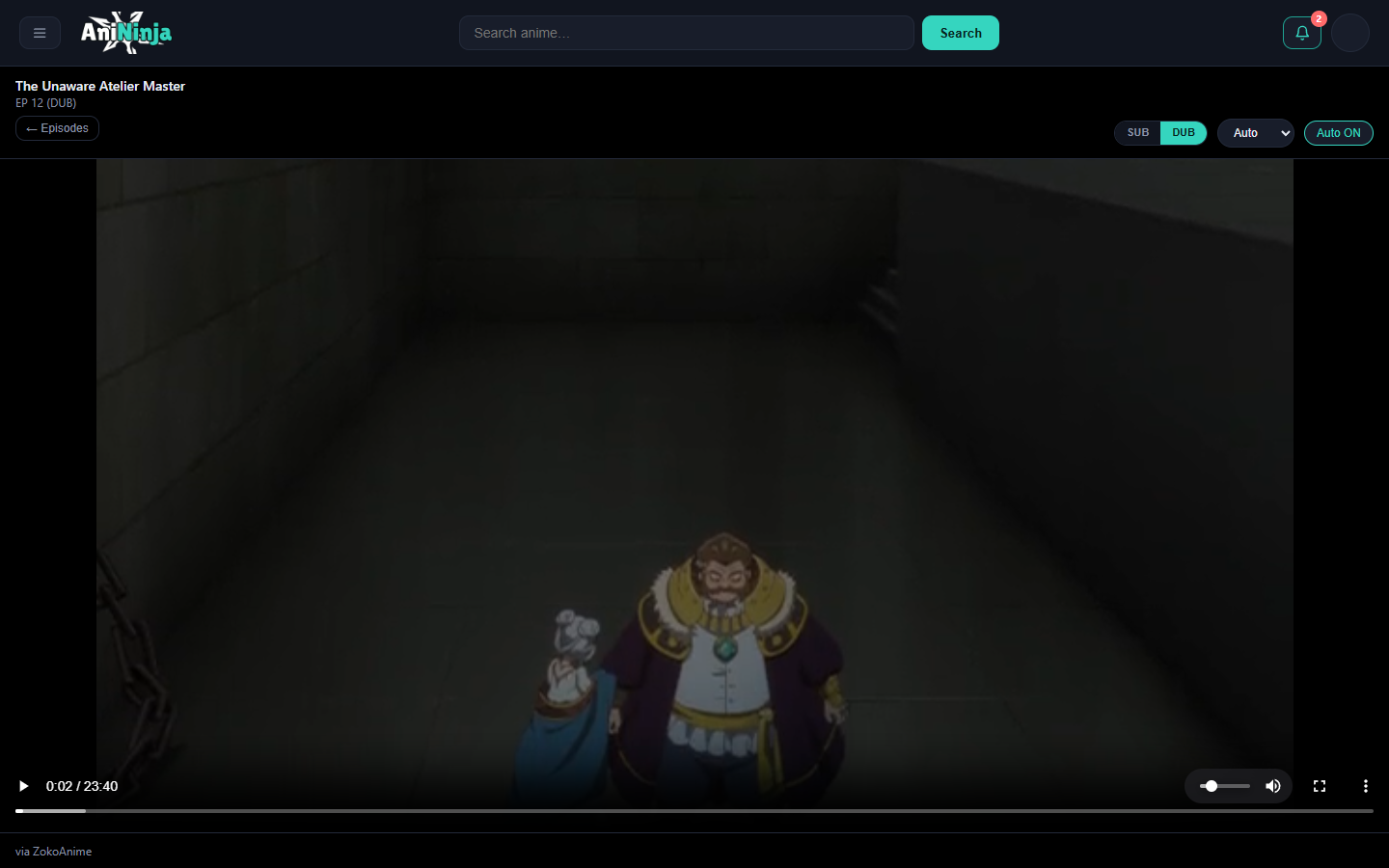
Skip intro, auto-next
HLS player with a quality selector (1080p → 360p), subtitles, skip-intro, and auto-play of the next episode.
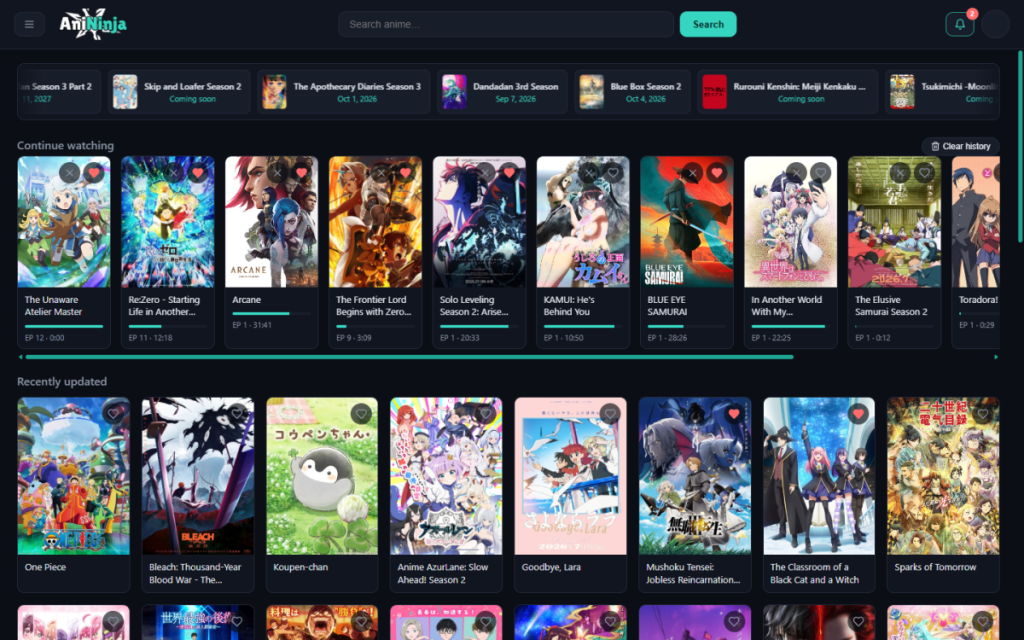
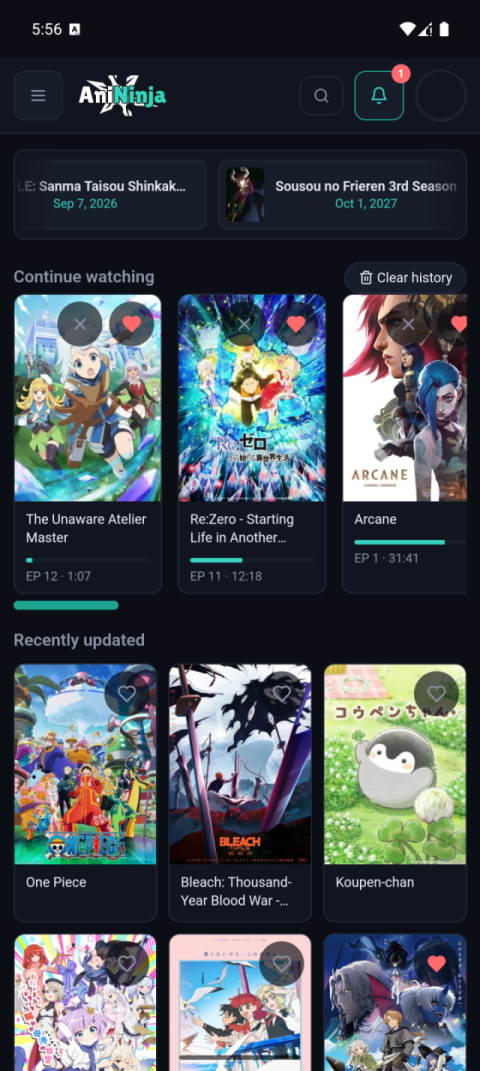
Pick up where you left off
A Continue Watching row on Home and per-episode resume in the player, exactly where you paused.
Mini player
Dock the episode into a draggable corner mini player and keep browsing. Picture-in-picture on Android.
Browse everything
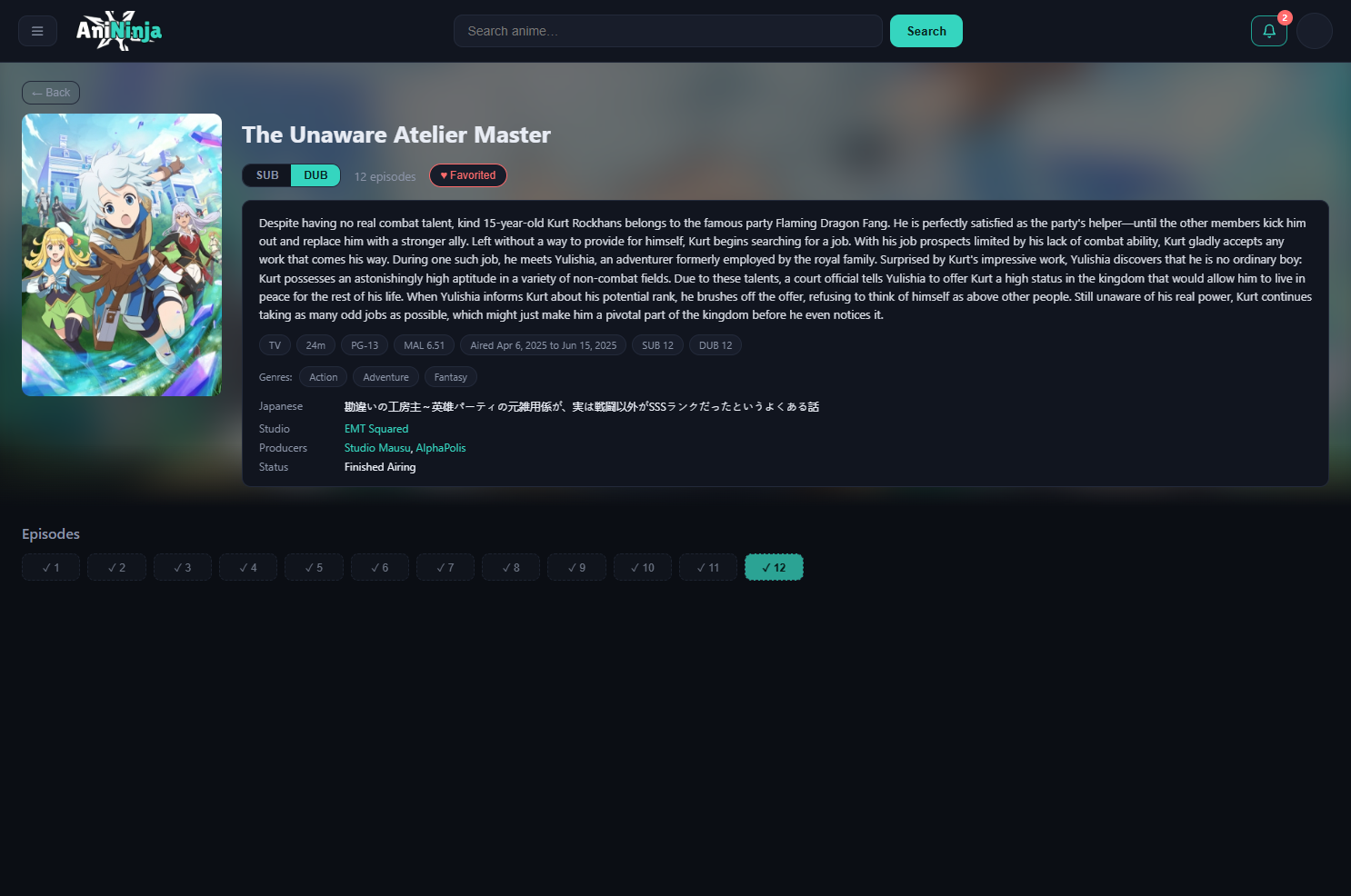
Full catalog with an A–Z index and filters for type, status, genre, season, score, and SUB/DUB.
Favorites & alerts
Heart any show and get notified the moment new episodes drop.
Cloud sync
Sign in with Google to sync favorites, history and settings across devices. Works fully offline without an account.
Get AniNinja
Free, local-first and open development. Grab the latest installer for your platform.
Windows
Desktop version — in development
Coming soonMore ABIs and past releases on GitHub Releases.